What's new withv2
The right context makes your team and agents shine
That's why today, we're launching Super V2 - much faster, twice as accurate.
We built it for the 99% of you who want something simple that just works for everyday tasks. No PhD in Zapier required, no debating which LLM is 'best' for workflows.
V1 was already the best at knowing your company. V2 takes that knowledge and automates the tedious parts of your work.

Chris
2x
more accurate than closest competitor
2.3x
more accurate than Super V1
40%
faster than Super V1
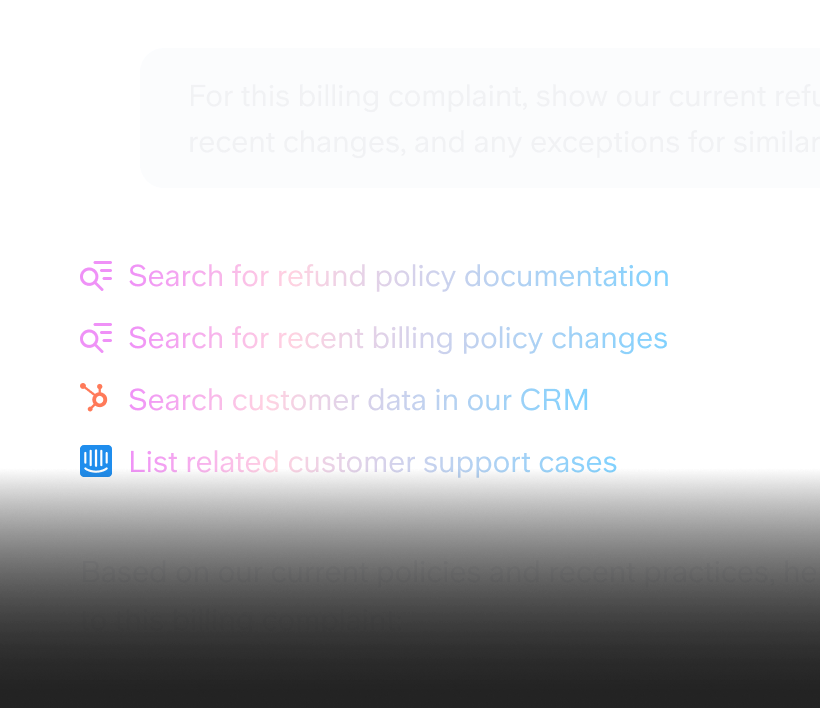
We upgraded from Semantic Search to Agentic Retrieval.
We hit a ceiling with V1 Search. We had built something truly amazing, finding answers in the most hidden places of your team data, but we couldn't get faster or more accurate with this architecture.
To break through, we had to rethink search as an agent. One that orchestrates multiple retrieval tools and applies reasoning for complex, research-heavy questions.
All while being magnitudes faster for the simpler queries.

Jason, AI engineer
We rethought what workflows can be with AI
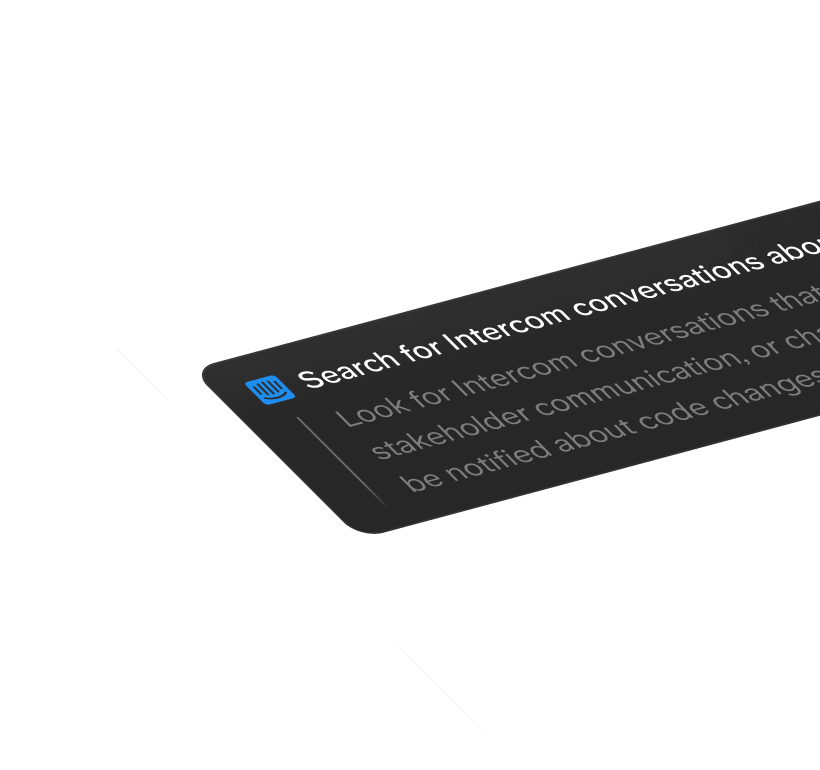
No more wrestling with APIs and canvases that break at the first 404. We wanted something simple for automating knowledge work.
We redesigned our assistants so you can build workflows that deploy instantly across your team. Describe the steps - search the web, pull from Linear, generate charts, analyze documents - and they handle it.

Charley, Lead engineer
More power demanded more clarity
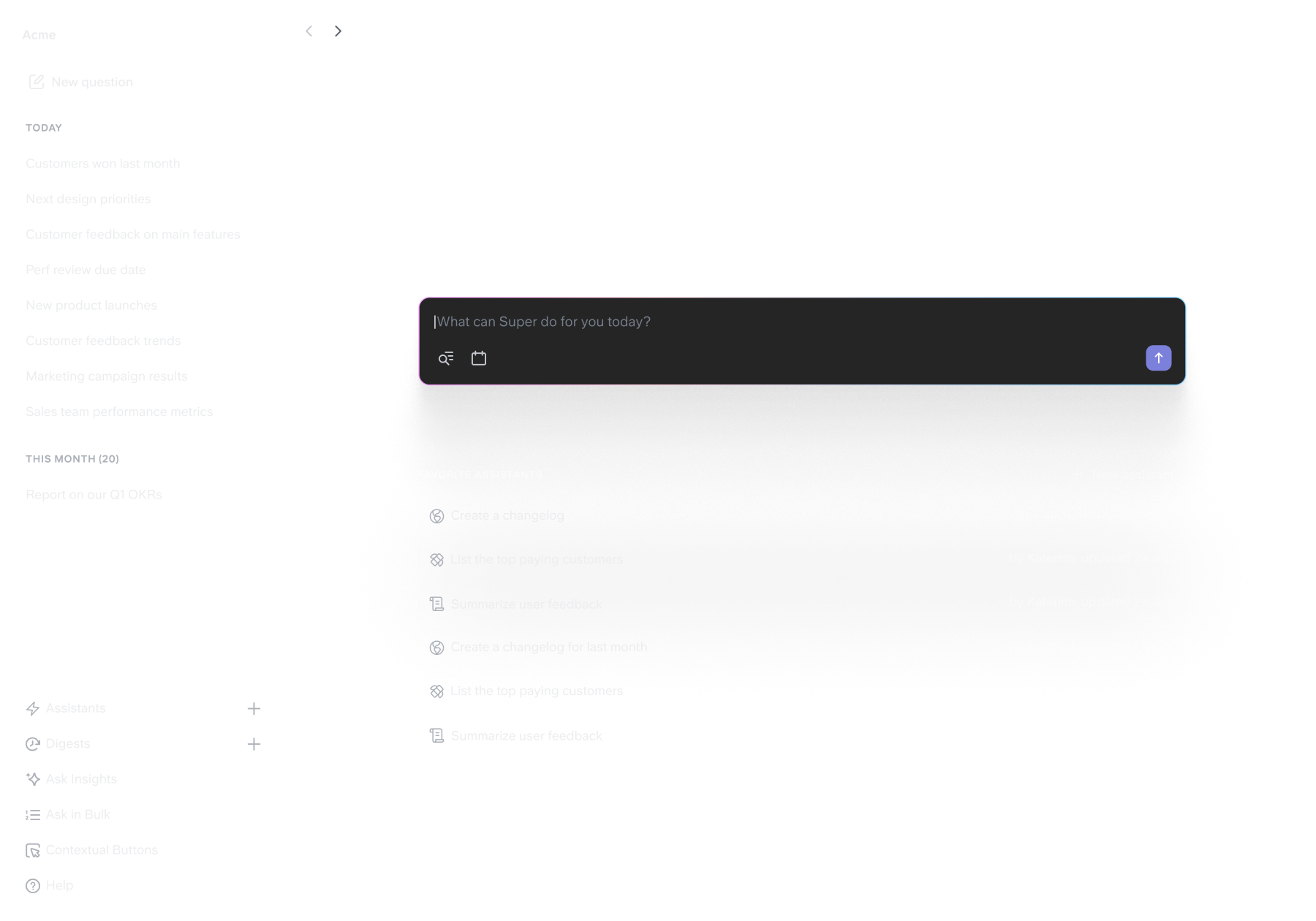
We've always prioritized ease of use. But as we added capabilities, the interface started fighting back.
So we redesigned from scratch - cleaner sidebar, readable sources, intuitive assistant builder. The result: as Super gets more powerful, it feels simpler to use.

Cyn, Product designer
Frequently Asked Questions
Will my existing assistants work the same?
Yes, but we encourage you to convert them to the new V2 format to benefit from improved reliability, more control over the steps it runs and the format it uses in output. We built a converter that you can run from the assistant edit page to make the shift in 1 click (you'll be able to preview the changes before saving them).
How do I access V2?
Just reload your app and you will get it. If you ask in Slack, through the browser extension, our API or MCP, you will automatically be using the v2 engine.
Stop wrestling with scattered knowledge
Experience 2x more accurate AI search and instant workflow automation.
Super is a part of the Slite family.
We've been building solutions for knowledge sharing and better work since 2016.
We've been building solutions for knowledge sharing and better work since 2016.
©2026 Slite, Inc.